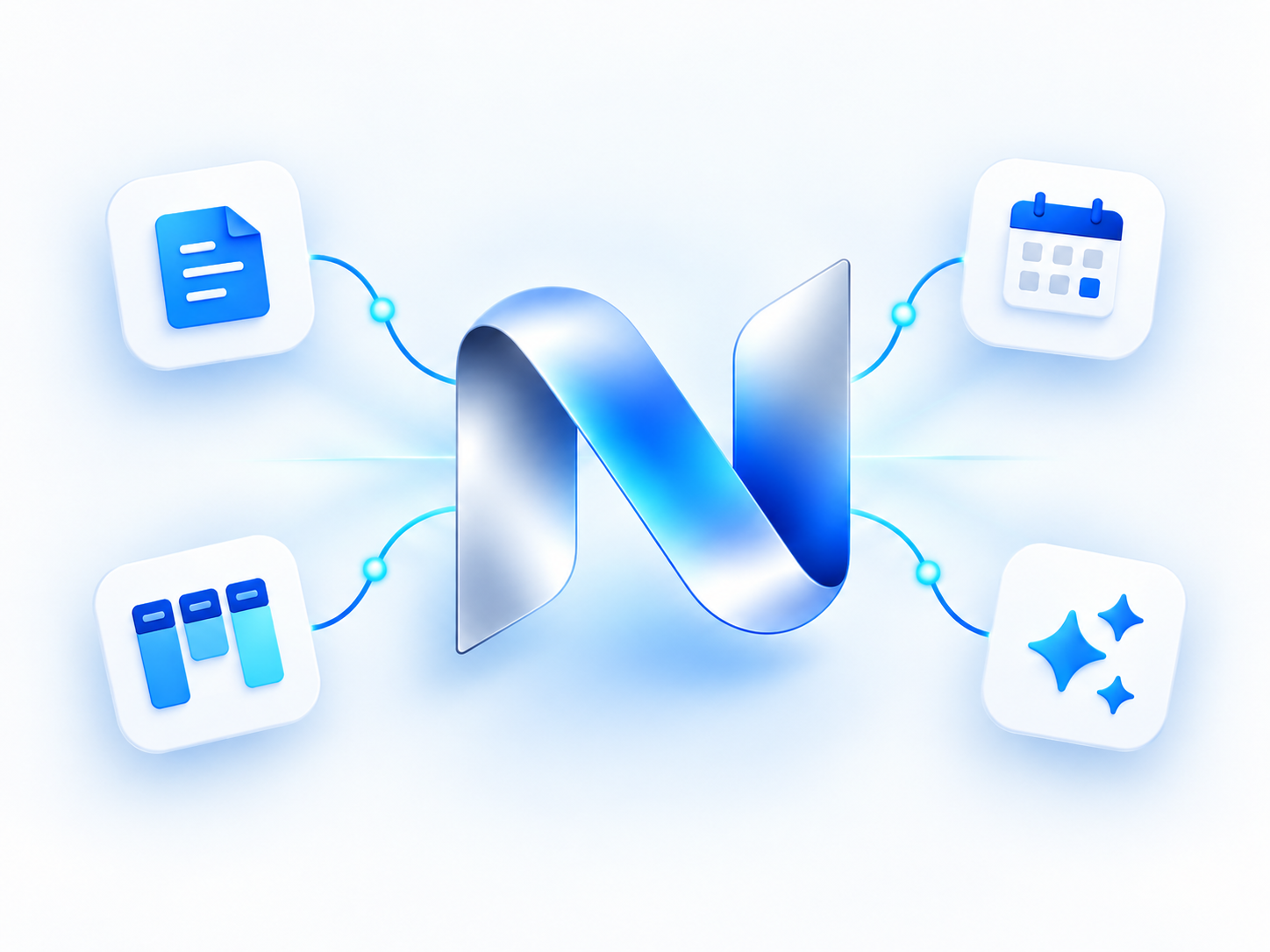
Local at the core
The current version of Nexus Notes is 100% local only. Your notes and attachments stay on your computer, with a local SQLite database.
 Nexus Notes
Where your Ideas Connect
Notes, projects, and plans. Together in one calm workspace, with local AI and your data on your computer.
Made for Windows & macOS · 100% local-only desktop app
A free account is required to download Nexus Notes.
ONE HOME. MANY WAYS TO WORK.
Write it down. Give it structure.
Make room for what comes next.
An illustrative preview of ways to organize your work in Nexus Notes.
A HELPING HAND. CLOSE TO HOME.
A second pair of eyes for your writing, without sending your notes or prompts to a cloud AI service.
Fix spelling and grammar. Improve your writing. Make a draft longer or shorter. Summarize, translate, chat, and find information with AI search.
Local AI is off by default. Nexus uses Ollama on your computer. Ollama and local AI models are extra free downloads. Setup needs internet access and storage; AI processing runs locally once a model is ready.
YOUR DRAFT
we got a few ideas for the project lets meet next week to talk about them
✦ A FRESH TAKE
We have a few ideas for the project. Let’s meet next week to explore them together.
Example output · No text is sent to an AI service by this website.
LESS FRICTION. MORE OWNERSHIP.
The current version of Nexus Notes is 100% local only. Your notes and attachments stay on your computer, with a local SQLite database.
Create multiple workspaces for personal plans, projects, or different areas of work. Organize pages and child pages within each one.
Set automatic weekly or monthly backups. ZIP exports keep a recoverable copy of your database and managed attachments.
START WITH WHAT YOU ALREADY HAVE
Bring your notes from Notion and Obsidian, and keep building on the work you’ve already done.
Import supported Notion exports and Obsidian Markdown vault archives, including supported page links and attachments. Results depend on what the original export contains.
LOOKING AHEAD
Future versions will add support for multiple users, the ability to securely share pages with other users, and optional external AI capabilities.
These features are planned for future releases and are not available in the current local-only version.
A FEW THINGS YOU MIGHT WONDER
Create a website account, confirm your email, then sign in to the downloads page. Choose the Windows installer or the Mac disk image. Your website account is separate from your desktop notes.
No cloud AI credits are needed for local Ollama models. They use your computer’s memory and processing power. Model downloads require internet access and can be large; performance depends on your hardware.
You can use local desktop notes without a connection. Downloading the app, confirming your website account, checking for updates, and initially setting up AI require internet access. Local AI requires extra free downloads: Ollama and local AI models. Install and open Ollama for Mac or Windows, then download the models you want to use. Nexus checks for Ollama when you enable AI; if it is missing, AI stays off and shows download instructions. After Ollama and the models are ready, local AI works without an internet connection.
Windows and macOS. The downloads page identifies the available installer and Mac architecture. The current Mac release is for Apple silicon, including M1, and requires macOS 12 or later.
This website asks you to sign in before showing download links. The installers are published in the public Nexus Releases repository on GitHub and can also be accessed there.
MAKE ROOM FOR YOUR NEXT IDEA
Windows & macOS